Appearance
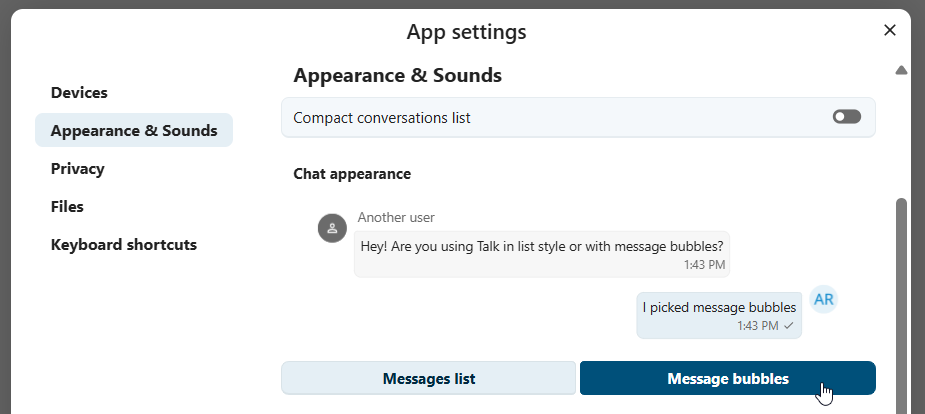
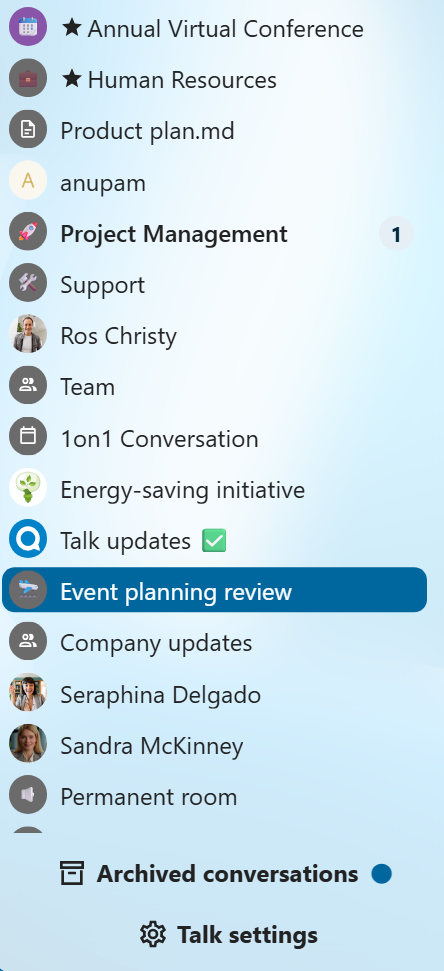
Compact view of conversations list
Compact view hides last message preview in the conversation list, providing a more focused interface.
Chat messages
Chat appearance settings allow you to customize the look of your conversation chats. You can choose between classic list or message bubbles, with your own messages on the side.
You can change both settings from the Talk settings dialog in the Appearance section.