Bots and commands
Bots
Bots can respond to chat messages, provide automated replies, and integrate with external services. Your administrator can enable bots for your Talk instance.
Some examples of available bots:
Call summary — Posts an overview message after a call ends, listing all participants and outlining any tasks that were mentioned.
Agenda bot — Helps manage meeting agendas with time monitoring and permission-based access control.
Roll a dice — Type
/rollin a conversation to roll dice.
A full list of available bots and installation instructions can be found in the Talk administration documentation.
Commands
Warning
Commands have been removed in favor of Bots.
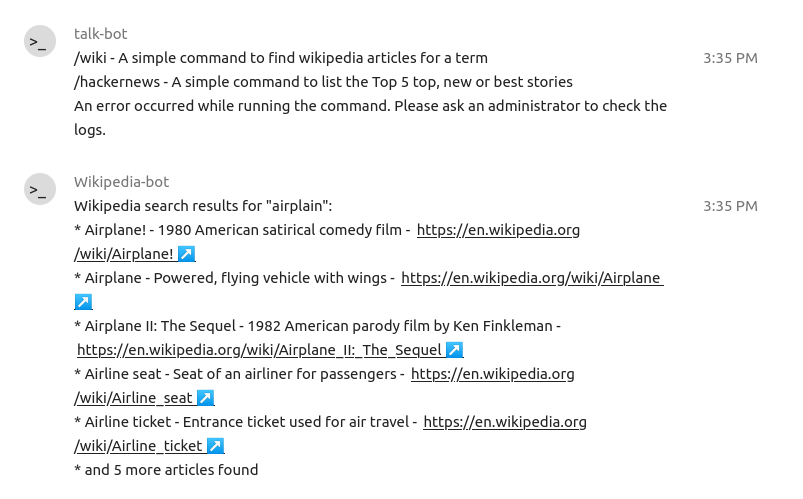
Nextcloud allows users to execute actions using commands. A command typically looks like:
/wiki airplanes
Administrators can configure, enable and disable commands. Users can use the help command to find out what commands are available.
/help