Angir preferansene dine
Som en bruker kan du administrere dine personlige innstillinger.
For å få tilgang til dine personlige innstillinger:
Click your profile picture to open the menu.

Click Settings in the dropdown menu to open your personal settings.

Merknad
Hvis du er administrator, kan du også administrere brukere og administrere serveren. Disse koblingene vises ikke for en ikke-administratorbruker.
Alternativene som er oppført på siden med personlige innstillinger, avhenger av programmene som er aktivert av administratoren. Noen av funksjonene du vil se inkluderer følgende:
Bruk og tilgjengelig kvote
Administrer profilbildet ditt
Fullt navn (Du kan gjøre dette til hva du vil, da det er atskilt fra Nextcloud-påloggingsnavnet ditt, som er unikt og ikke kan endres)
E-postadresse
Liste over gruppemedlemskap
Bytt passordet ditt
Bruker preferanser
Velg språk for Nextcloud-grensesnittet
Velg din foretrukne første ukedag
Koblinger til skrivebord- og mobilapper
Administrer aktivitetsstrømmen og varslene dine
Standardmappe å lagre nye dokumenter i
Delings-ID-en din i forbund
Sosiale delingskoblinger
Nextcloud-versjon
Merknad
Available options and settings depend on your administrator’s configuration. If you are not able to change the password or the display name in your personal settings, please contact your administrator for help.
Deler dataene dine i den globale adresseboken
Some administrators share their global address book with other Nextcloud instances (so-called Trusted Servers) or even with the wider world. This is helpful when two instances want to work closely together, or when people want to use Nextcloud as a virtual telephone book for others to browse. It also allows searching for contacts, creating shares, and much more.
You can change what personal data is shared by setting the scope of your data. Click the lock icon to open the following dropdown next to each entry:

Hvis du setter dataene dine til Privat, vil ingen andre enn du kunne se dem.
If you set your data to Local, all logged-in users within your Nextcloud instance will be able to see the information, but no one outside of it.
If you set your data to Federated, the trusted server(s) added by your administrator will be able to see this data, in addition to all logged-in users.
If you set your data to Published, anyone can see your data. This is useful in some cases. Someone with a public-facing role such as marketing or sales might want to share their contact details with a wide variety of connections who might not be using Nextcloud.
Begrens hvem som kan se profildataene dine
If the profile is enabled by your administrator, your profile data can be read by other users and guests. To control who can see which information, adjust the scopes mentioned above:
Private will only allow you and users you have added to your phone book to see the data.
Local and above will also allow guests to see your data.
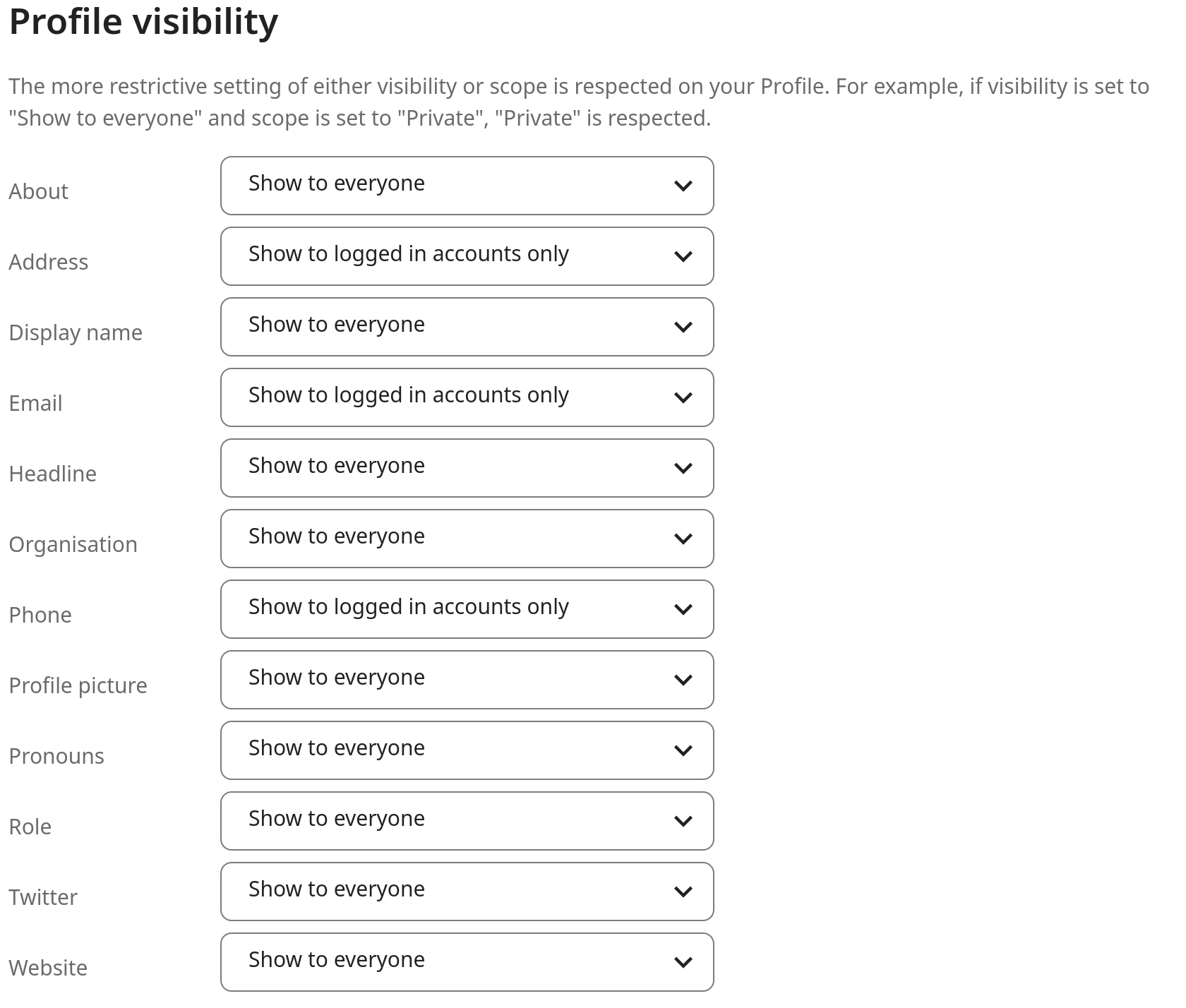
To restrict the visibility further, you can prevent guests from seeing your profile data by changing the profile visibility to logged-in users. In your personal settings, find the profile visibility button:
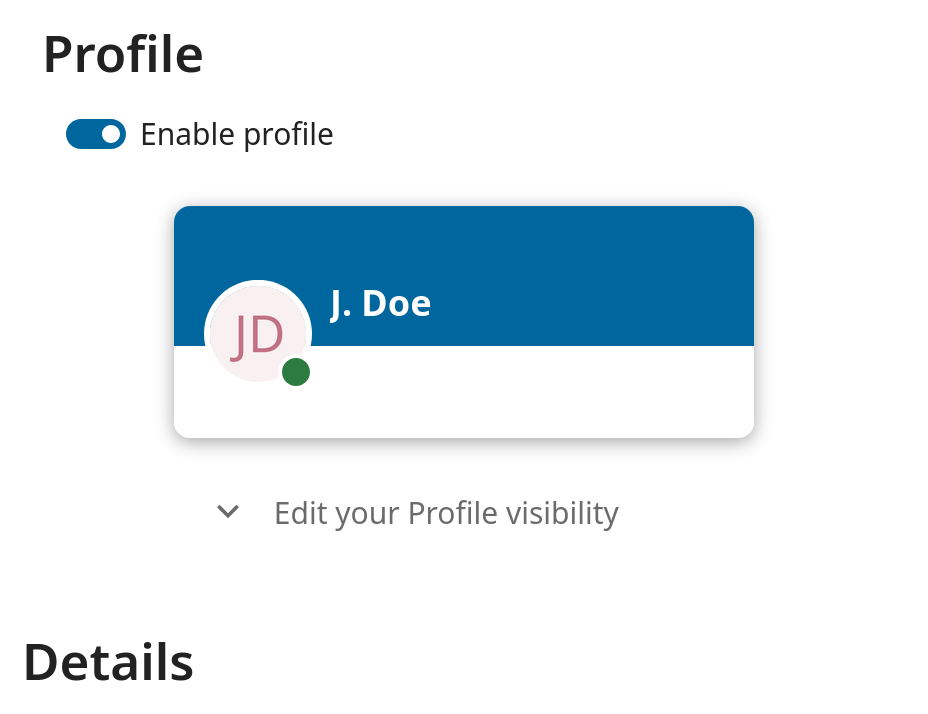
This allows you to configure the visibility for each profile attribute: