添付ファイル
チャットでファイルを共有する
チャットでファイルを共有する方法は3つあります。
まず、ファイルをチャット画面にドラッグ&ドロップするだけで共有できます。

次に、クリップアイコンを選択し、Nextcloud Filesやファイルマネージャから任意の場所のファイルを選択して共有できます。


複数のファイルをまとめて追加し、最後にまとめて共有できます。共有ファイルには短い説明やキャプションを追加することも可能です。

All users will be able to click the files to view, edit or download them, regardless of whether they have a Nextcloud account. Users with an account will have the file automatically shared with them while external guest users will get them shared as a public link.

チャット内アンケート
新規メッセージの追加アクションから、グループチャット内でアンケートを作成できます。
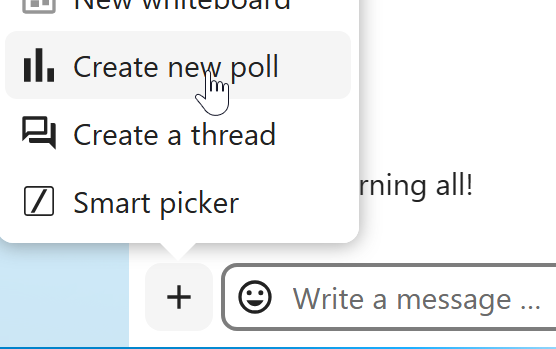
アンケートには2つの設定があります:
匿名アンケート:参加者は誰がどの選択肢に投票したかは見ることができません。
複数選択を許可:参加者は複数の選択肢を選ぶことができます。
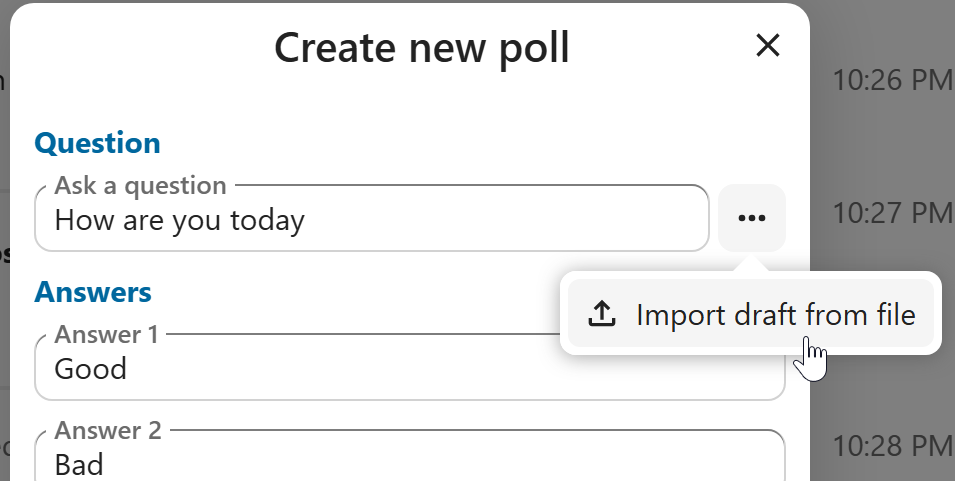
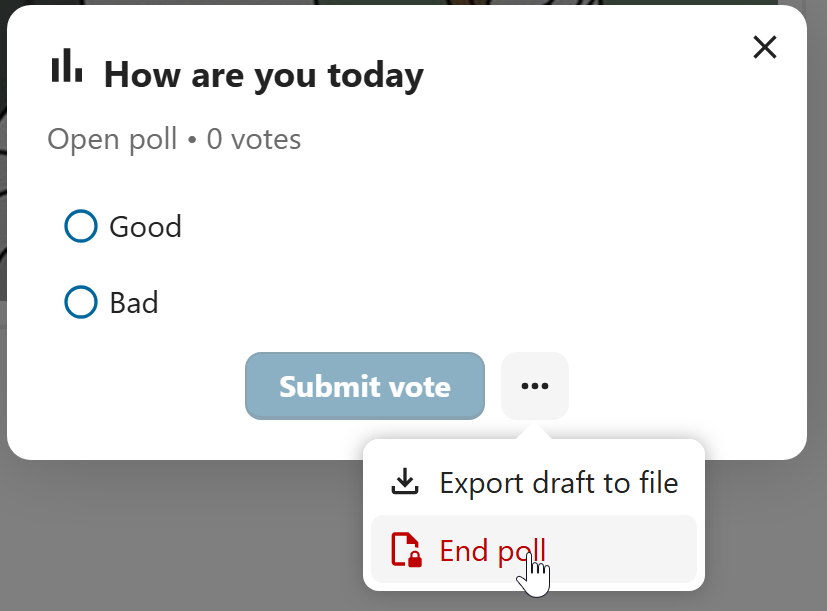
アンケートの自動入力用インポートや、アンケート結果のJSONファイルとしてのエクスポート(ローカル保存)も可能です。
アンケートはアンケートダイアログから終了できます。
モデレータの場合、その場でアンケートを作成することも、下書きとして保存して後で編集することもできます。
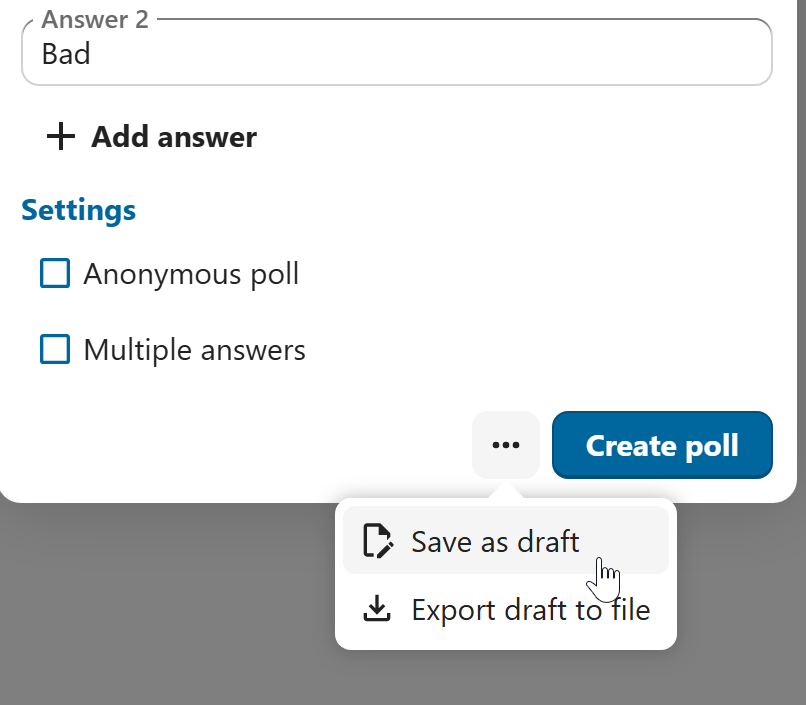
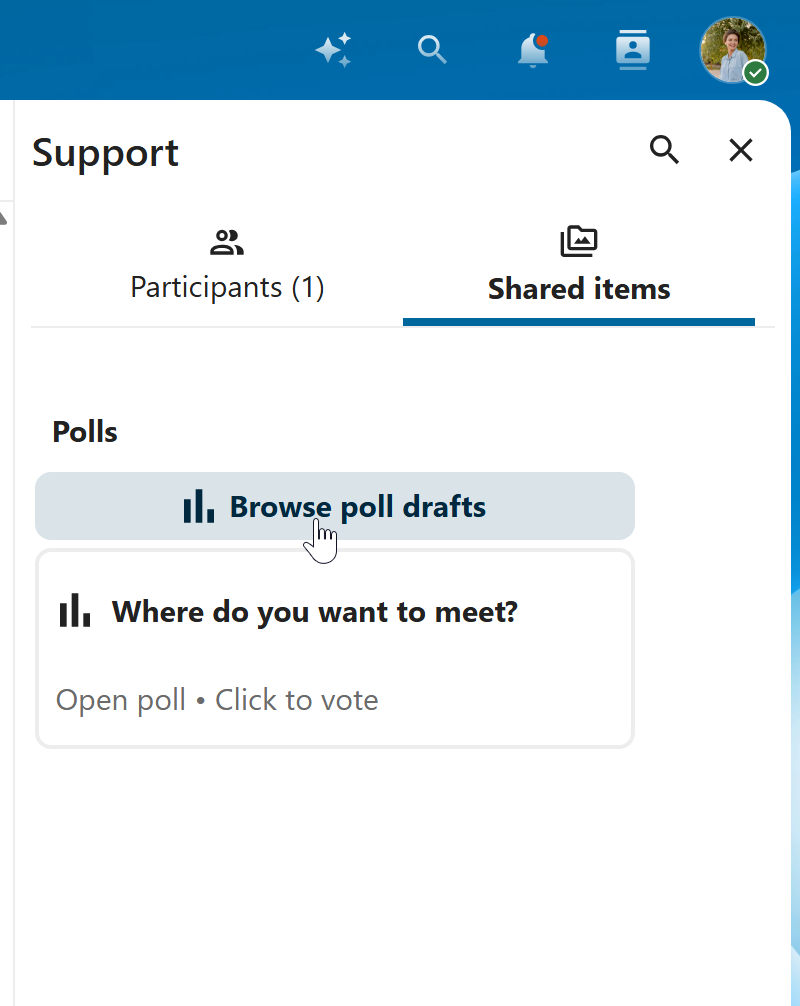
アンケートの下書きは、``共有アイテム``タブ またはアンケートタイトル入力欄の横で確認できます。