Aparência
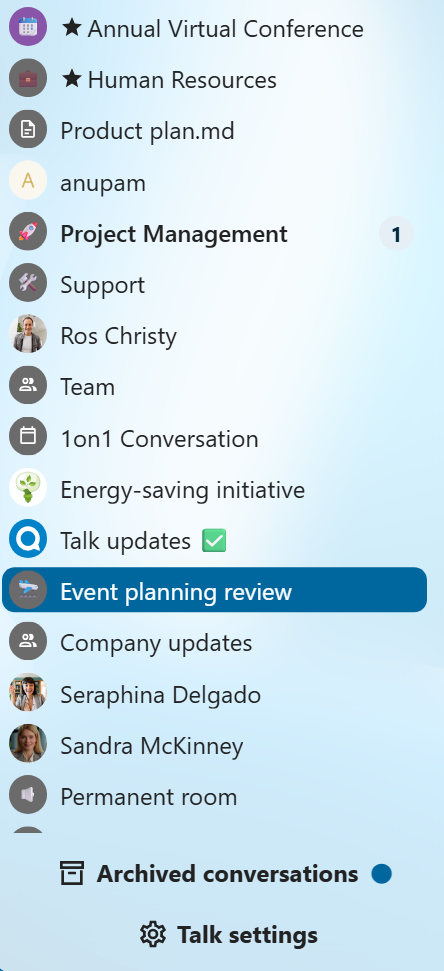
Visualização compacta da lista de conversas
A visualização compacta oculta a pré-visualização da última mensagem na lista de conversas, proporcionando uma interface mais concisa.
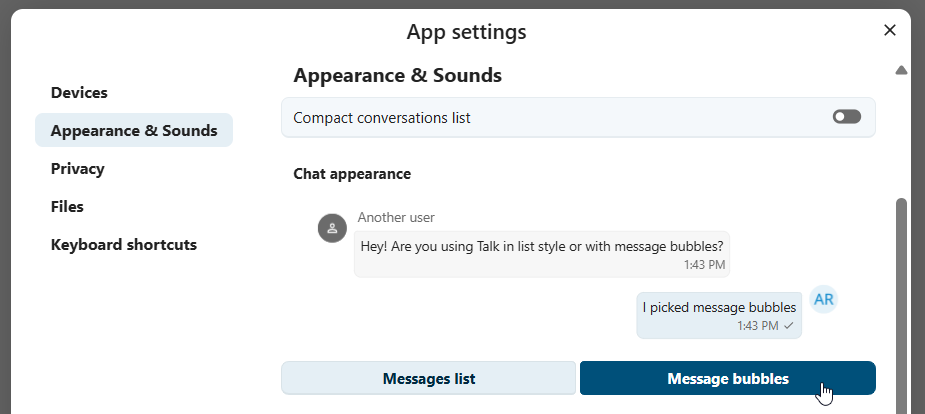
Mensagens de bate-papo
As configurações de aparência do bate-papo permitem que você personalize a aparência das suas conversas. Você pode escolher entre a lista clássica ou balões de mensagem, com suas próprias mensagens exibidas ao lado.
Você pode alterar ambas as configurações na caixa de diálogo Configurações do Talk, na seção Aparência.