Enviar mensagens
Usar Markdown
Você pode melhorar suas mensagens usando a sintaxe Markdown. Elementos compatíveis:
Títulos e separadores
# Heading 1
## Heading 2
### Heading 3
#### Heading 4
##### Heading 5
###### Heading 6

Heading
===
Normal text
***
Normal text
Decorações em linha
**bold text** __bold text__
*italicized text* _italicized text_
`inline code` ``inline code``
```
.code-block {
  display: pre;
}
```
Listas
1. Ordered list
2. Ordered list

* Unordered list
- Unordered list
+ Unordered list
Citações
> blockquote
second line of blockquote
Listas de tarefas
- [ ] task to be done
- [x] completed task
Tabelas
Column A | Column B
-- | --
Data A | Data B
Inserir emojis
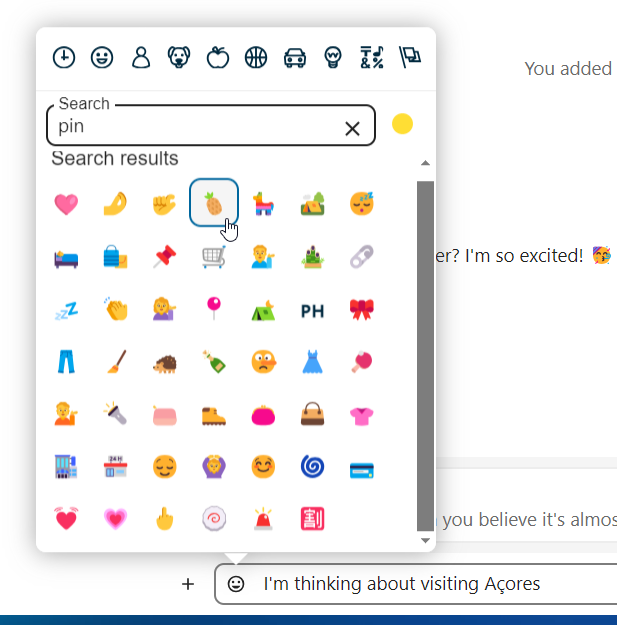
Você pode adicionar emojis usando o seletor à esquerda do campo de digitação.
Seletor inteligente
O seletor inteligente facilita a inserção de links, arquivos ou outros conteúdos nas suas conversas. Basta escolher o tipo de conteúdo que deseja inserir (arquivos, conversas do Talk, cartões do Deck, GIFs, etc.). Você também pode digitar / na área de texto do bate-papo para abrir o seletor.
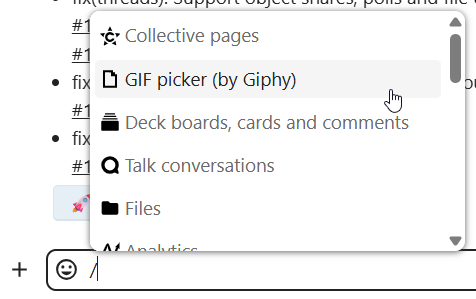
Vários aplicativos de integração podem ampliar o Seletor inteligente com tipos de conteúdo adicionais, como issues do GitHub e do GitLab, GIFs do Giphy e muito mais. Pergunte ao seu administrador quais integrações estão disponíveis na sua instância.
Responder a mensagens e muito mais
Você pode responder a uma mensagem usando a seta que aparece quando passa o cursor sobre ela.
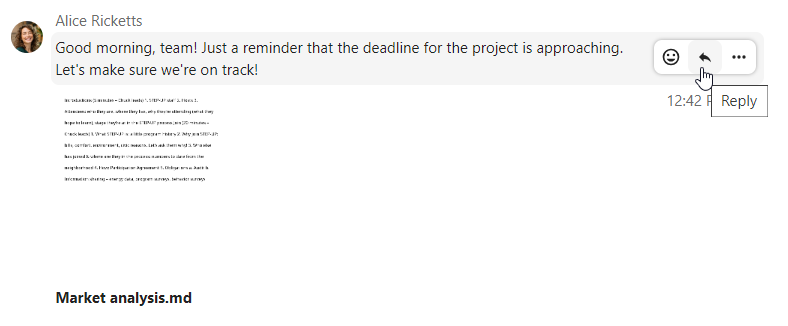
No menu … você também pode optar por responder em particular. Isso abrirá uma conversa individual.
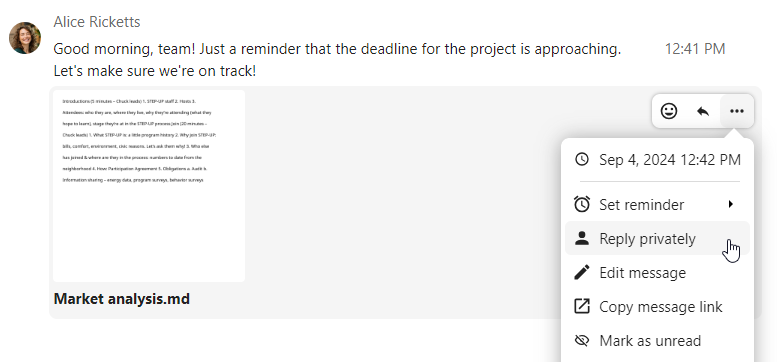
Aqui você também pode criar um link direto para a mensagem ou marcá-la como não lida, para que ela apareça no início da conversa na próxima vez que você acessar o bate-papo. Se for um arquivo, você pode visualizá-lo no Arquivos.
Mensagens silenciosas
Se você não quiser incomodar ninguém no meio da noite, existe um modo silencioso para conversar. Enquanto estiver ativado, os outros participantes não receberão notificações das suas mensagens.
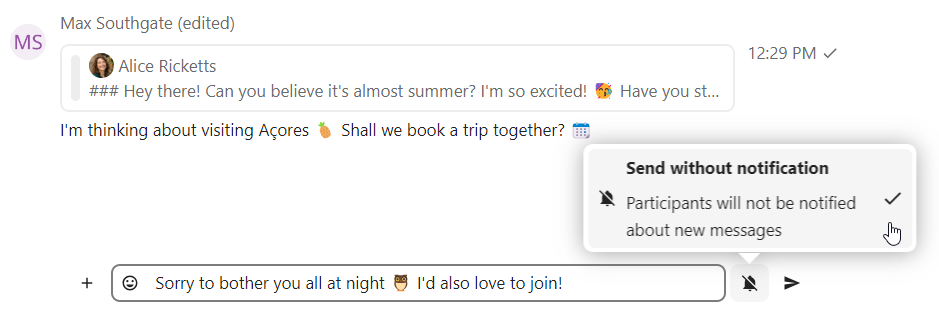
Agendar mensagens
Se você quiser enviar uma mensagem não agora, mas em um horário específico, pode agendá-la. Basta selecionar a data e a hora desejadas nas ações rápidas ao lado do campo de entrada.
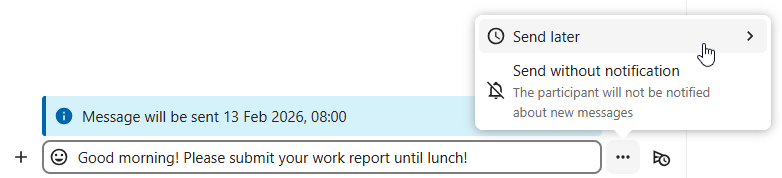
Você pode encontrar todas as suas mensagens agendadas clicando no ícone do relógio ao lado do campo de entrada. Lá, você pode editar, reprogramar ou excluir as mensagens atualmente preparadas.

Resumo do bate-papo
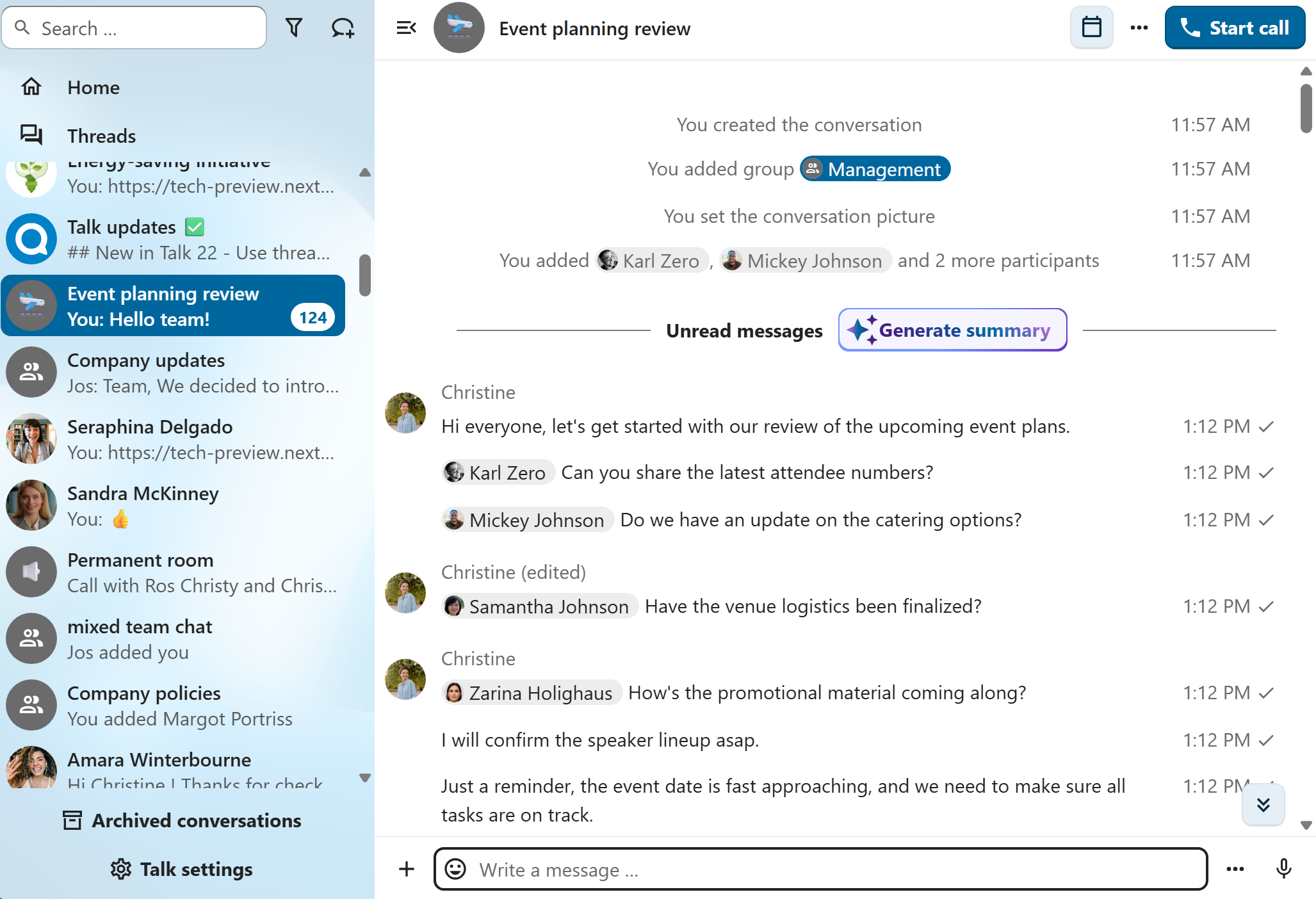
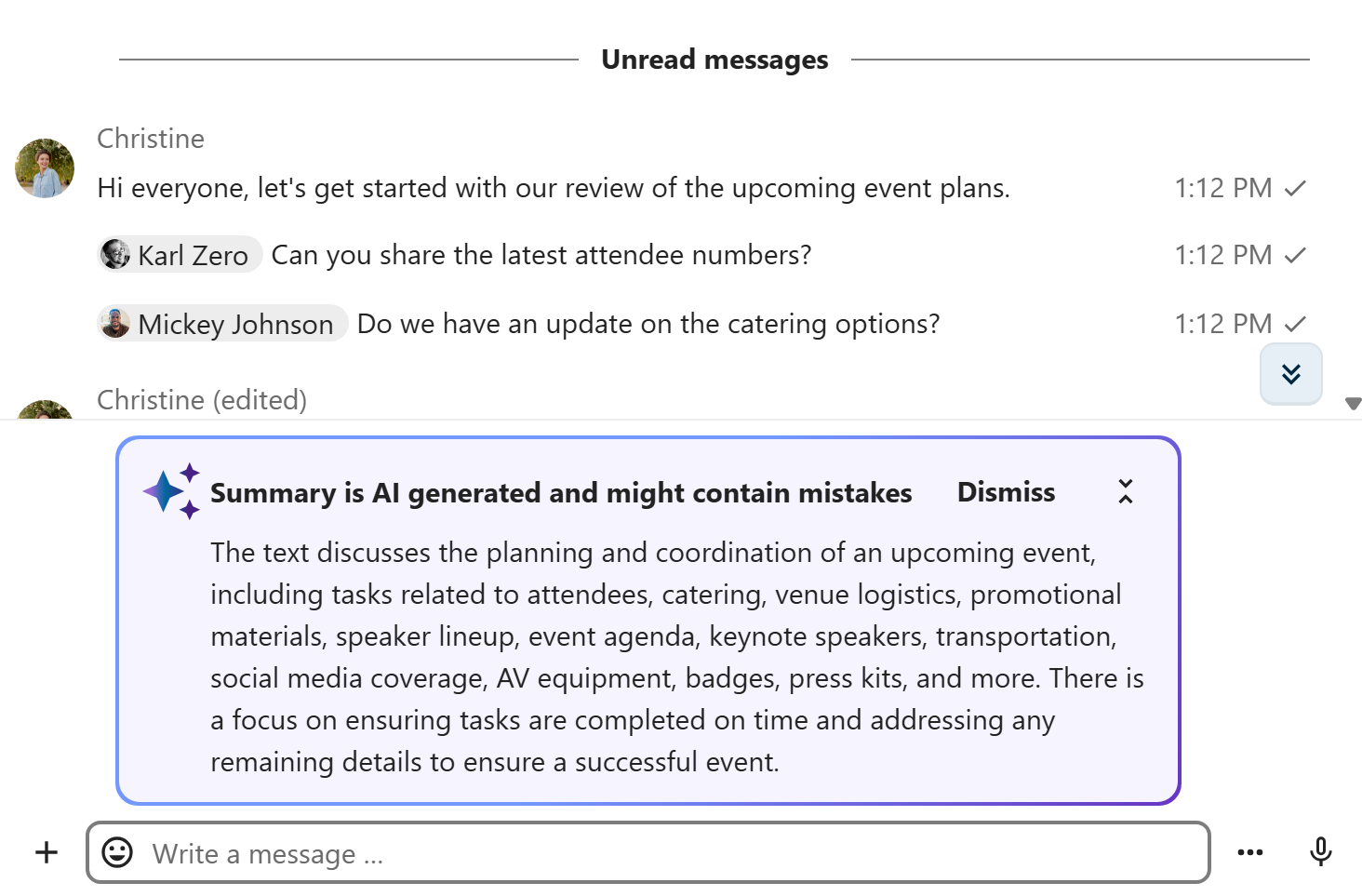
Quando o assistente de IA está ativado, é possível gerar um resumo da conversa caso haja mais de 100 mensagens não lidas. Você pode gerá-lo pressionando o botão que aparece no bate-papo, acima das primeiras mensagens não lidas.